
Workflow Automation
Stop paying people to move data between tabs.
Most operations teams lose their week to the gaps between systems re-keying an approved quote into the ERP, chasing a status by email, rebuilding the same report every Monday. We map those handoffs and replace them with pipelines that run whether or not anyone is watching.
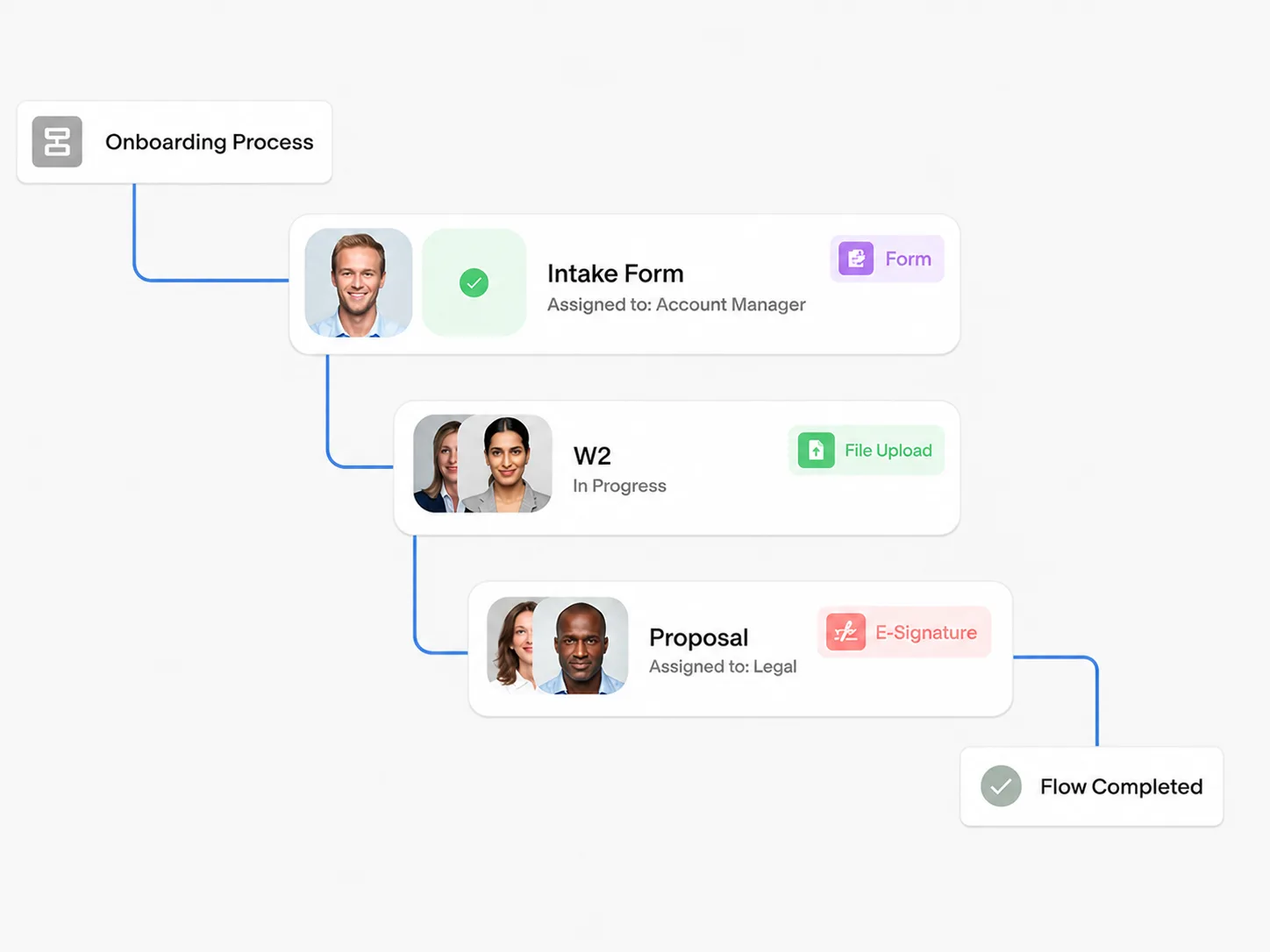
You're probably here because of one of these.
If none of them sound familiar, this may not be the right service for you and we would rather say so on the first call.
- The same data gets typed into two systems because they do not talk to each other.
- Nobody can say where a request is without opening four tools.
- Approvals sit in an inbox for days because there is no rule, just a habit.
- Month-end reporting is assembled by hand from exports.
- The process only works because one person remembers all the exceptions.
The four things that make it hold up.
System-to-system pipelines
Connectors across CRM, ERP, billing, helpdesk, and messaging, with the mapping layer that makes two schemas agree.
Rules instead of habits
Approval thresholds, routing, and escalation encoded as logic you can read and change, not tribal knowledge.
Exception handling
A queue with a named owner for the cases that genuinely need a human, so they surface instead of disappearing.
Observability
Per-step visibility and alerting on stalled runs. You find out a pipeline broke before your customer does.
How the engagement actually runs.
Five steps, roughly six weeks to production. You see working software in week two, not a status deck.
- 01WEEK 1
Watch the manual version
We sit with the people who run the process today and watch the real thing actual tabs, actual exceptions. Every hesitation is a requirement nobody wrote down.
- 02WEEK 1
Map the handoffs
We chart every point where work changes hands, with wait times and re-keying marked. Then we score by frequency times pain and agree what goes first.
- 03WEEK 2–5
Build in weekly slices
Something usable reaches real users every week. Early exposure surfaces the exceptions while there is still budget and attention to handle them.
- 04WEEK 5–6
Harden and instrument
Retries, idempotency, rate limits, and alerting. This is the difference between a demo and a system that survives a bad Tuesday.
- 05ONGOING
Hand over properly
Documentation, a runbook, and a walkthrough with your team. You should be able to change it without calling us and we stay available when you would rather not.
Everything, in your environment.
Not a demo account you lose access to. The system runs where you run things, and the documentation is yours.
- A working pipeline in your own environment, not ours
- Handoff map and process documentation
- Exception queue with assigned ownership
- Monitoring dashboard and alert routing
- Runbook and a recorded handover session
What clients ask first.
Most engagements use more than one.
AI Chatbots & Assistants
Conversational agents for WhatsApp, web, and internal ops that resolve instantly.
EXPLORECustom AI Solutions
Predictive models and decision engines trained on your enterprise data.
EXPLOREPersonalized AI Marketing
Hyper-personalized campaigns, lead nurturing, and CRM sync at scale.
EXPLORETell us the workflow that costs you the most.
Thirty minutes, no pitch deck, no discovery fee. You leave knowing whether workflow automation is the right call including if it is not.